
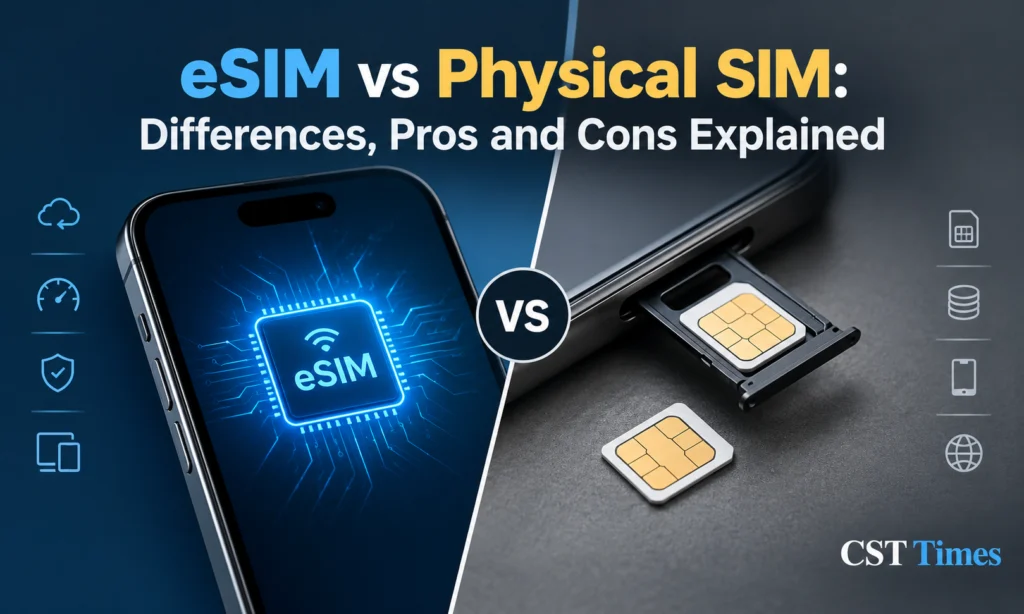
eSIM vs Physical SIM: 7 Essential Differences Made Simpl
Quick Summary:
The eSIM vs physical SIM choice comes down to how your phone connects to a mobile network: through a chip built into the device or through a removable card. An eSIM is a digital SIM that you set up with a QR code or a carrier app, while a physical SIM is the small card you slide into a tray. This guide compares the two on setup, security, travel and phone support so you can pick the right one.
Table of Contents
ToggleKey Takeaways
- An eSIM is built into your phone and activated by software, while a physical SIM is a removable card.
- eSIM makes travel, dual-number setups and plan switching easier, but moving to a new phone can depend on your carrier.
- An eSIM cannot be pulled out of a stolen phone, yet SIM-swap fraud can hit either type through your carrier account.
- Some phones, including US-market iPhones and Pixels, are eSIM-only, so check your exact model before you buy.
What is a Physical SIM?
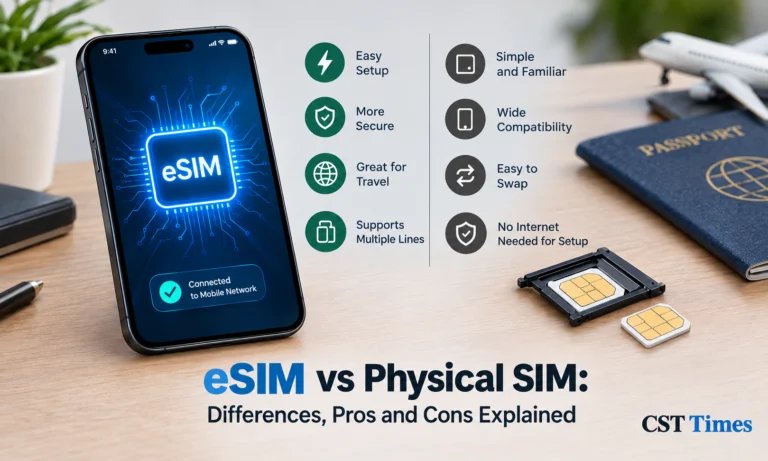
A physical SIM is a small removable chip card that goes into your phone’s SIM tray. SIM stands for Subscriber Identity Module.
It stores your subscriber identity (IMSI), its own unique serial number (ICCID), and the secret key your phone uses to prove to the mobile network that it’s really you. Without it, the network doesn’t know who you are, so you can’t make calls, send texts, or use mobile data.
It comes in three sizes still in use: mini (25 × 15 mm), micro (15 × 12 mm), and nano (12.3 × 8.8 mm). Nano is the standard in modern phones.
The alternative is an eSIM, which does the same job but is a chip built into the phone, so there’s no card to insert or lose.
What is an eSIM and How Is It Different From a Physical SIM?
An eSIM is a SIM built into your phone that stores your carrier plan digitally, so there is no card to insert. A physical SIM is a removable card that holds the same plan information. Both identify you to the network; the real difference is how the plan gets onto your phone.
Technically, an eSIM is a small chip, called an eUICC, that is built into the device and can hold several carrier profiles. A profile contains your plan details, including your number, and it is downloaded over the air instead of being written onto a card. The GSMA, the industry body behind the standard, says eSIM makes device setup easier because nobody has to insert or swap a card
eSIM vs Physical SIM: 7 Key Differences
The biggest eSIM vs physical SIM differences are hardware, setup, moving phones, switching plans, handling multiple lines, security and availability. eSIM wins on flexibility and convenience; a physical SIM wins on simplicity and compatibility with older or region-specific phones. The table below summarises each point at a glance.
| Feature | eSIM | Physical SIM |
|---|---|---|
| Hardware | Chip built into the phone | Removable card in a tray |
| Setup | QR code, carrier app or link; often needs internet | Insert the card; it usually works |
| Moving to a new phone | Transfer in settings or via your carrier | Move the card by hand |
| Switching plans | Download a new profile; several can be stored | Swap cards or order a new one |
| Multiple lines | Two active at once on many phones | Limited by the number of trays |
| Security | Cannot be removed from a lost phone; SIM-swap risk remains | Can be removed and used elsewhere; SIM-swap risk too |
| Availability | Not on every phone, carrier or country | Works widely, but trays are disappearing on some phones |
eSIM Pros and Cons
eSIM’s main advantages are convenience, easy plan switching and no card to lose or damage. Its main drawbacks are carrier dependence, trickier transfers when a phone is lost or broken, and limited availability on some devices. A physical SIM stays the simplest choice if you change handsets often.
Advantages of eSIM
- No card to lose or damage. Apple says eSIM-only iPhones use the space once held by the tray for a larger battery.
- Two numbers on one phone. The Pixel 11 can run two eSIMs at once and store up to eight.
- Fast plan switching. Plans are software, so you can add one from your phone, and iPhone settings let you switch back to a previous eSIM.
Drawbacks of eSIM
- Carrier support is required. Apple’s activation options depend on what your carrier supports.
- Setup can need internet. A new iPhone must be on Wi-Fi or a hotspot to set up an eSIM, although some eSIM-only models can activate without it.
- Moving phones is not always one tap. Apple’s iPhone-to-iPhone transfer needs both devices signed in with your Apple Account, and Android-to-iPhone transfers work only with supported carriers and phones. apple
- A lost or dead phone complicates things. Because transfers normally start from the old device, you will usually need your carrier’s help.
Is eSIM More Secure Than a Physical SIM?
In one respect, yes: an eSIM cannot be pulled out of a stolen phone and used elsewhere. It does not stop SIM-swap fraud, though, where criminals trick your carrier into moving your number. Both SIM types share that risk, so protecting your carrier account matters as much as the SIM type you choose.
Apple describes eSIMs as hard to tamper with, impossible to clone or modify, and tied to a specific device. It also notes that a stolen physical SIM lets a thief receive the SMS codes sent to your number, which an eSIM prevents.
SIM swapping works differently. A criminal convinces your carrier to move your service to a device they control, often by posing as you. Because phone numbers often protect other accounts through two-factor authentication, an FCC commissioner warned that a takeover can open financial and social-media accounts. In November 2023, the FCC adopted US rules that require carriers to use secure authentication and to notify customers of SIM-change or port-out requests before processing them.
Ask your carrier about number-lock or port-out protection, and use an authenticator app or passkey instead of SMS codes for banking, email and crypto exchange accounts.
Which Phones Use eSIM in 2026?
- Apple: iPhone 14 and later models sold in the US are eSIM-only. The iPhone 18 Pro and Pro Max have no tray in 12 countries and regions, the same list as the iPhone 17 Pro, and keep one elsewhere, including the UK. The new iPhone Duo is eSIM-only worldwide. In mainland China, Apple says only the iPhone 17e and iPhone Air support eSIM.
- Google: The Pixel 10, 10 Pro and 10 Pro XL dropped physical SIM support in the US and keep a tray elsewhere. The Pixel 11 series is still eSIM-only in the US, while the Pro Fold keeps a physical slot.
- Samsung: Its support page for the Galaxy S26 series lists nano-SIM plus nano-SIM, nano-SIM plus eSIM and dual eSIM. (Galaxy S26 vs S26+ vs S26 Ultra vs S26 FE: Full Specs Comparison)
Other smartphone brands, including HONOR, OnePlus, OPPO, & More Company also offer eSIM support in selected newer models. However, eSIM availability depends on the exact phone model and the region where it was purchased. Always check the phone’s specifications before buying to make sure it supports eSIM.
eSIM vs Physical SIM for Travel
eSIM is usually easier for travel: you can add a local or global data plan before you fly and keep your home number on a second line. Your phone must be carrier-unlocked, and many travel eSIM plans are data-only. A physical SIM still works if your phone has a tray.
Apple says an iPhone cannot be locked to a carrier if you want to use another carrier’s plan abroad. An unlocked iPhone shows no SIM restrictions in Settings. With iOS 26, you can choose to use the travel eSIM only, or alongside your current line, in which case the travel eSIM handles data. If you use only the travel eSIM, FaceTime and iMessage keep working on your home line.
Which One Should You Choose?
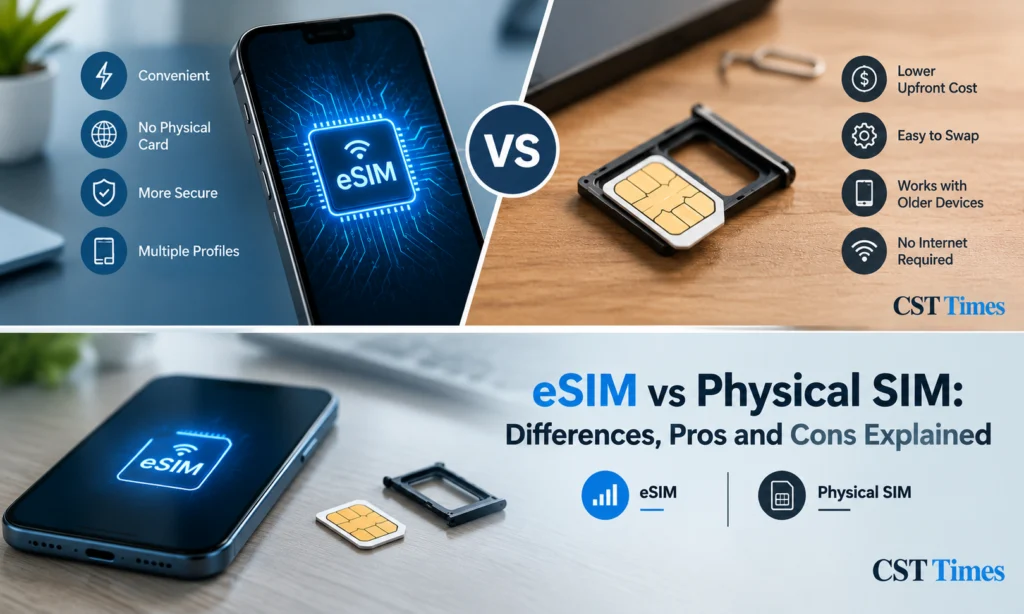
When weighing eSIM vs physical SIM, choose eSIM if your phone and carrier support it and you travel, use two numbers or switch plans often. Choose a physical SIM if you swap phones often, use an older device, or live where carriers offer limited eSIM support.
A quick checklist:
- Confirm that both your phone model and your carrier support eSIM.
- Make sure the phone is unlocked if you plan to use a foreign or travel plan.
- Ask your carrier how to transfer your plan before you change phones.
- Turn on any number-lock or port-out protection your carrier offers.
Final Thoughts:
In the eSIM vs physical SIM debate, neither option is better for everyone. eSIM offers more flexibility and matches where phone makers are heading, while a physical SIM stays simple and widely compatible. Whichever you choose, confirm your phone and carrier support it, and secure your carrier account.
FAQs
In the eSIM vs physical SIM debate, which is better?
Neither is better for everyone. eSIM suits people who travel, run two numbers or switch plans without visiting a shop. A physical SIM suits people who swap phones often, own an older device or want the simplest setup. The best choice depends on your phone, carrier and habits.
Can I use an eSIM and a physical SIM together?
Yes, on many dual-SIM phones. Apple says iPhones with a SIM tray can use a physical SIM and an eSIM while travelling, and Samsung lists nano-SIM plus eSIM among Galaxy S26 options. eSIM-only models run two eSIM lines instead, so check what your exact model and country support.
Is eSIM safer than a physical SIM?
An eSIM is safer against physical theft because it cannot be removed and placed in another phone. It does not prevent SIM-swap fraud, which targets your carrier account. For important accounts, use carrier protections such as number locks and authenticator apps instead of SMS codes.
Can I switch from a physical SIM to an eSIM?
Often, yes, if your carrier supports eSIM. Contact your carrier or use its app to get a QR code or digital activation, then follow your phone’s setup steps. iPhones can also transfer a plan from another iPhone or, with iOS 26 and supported carriers, from an Android phone.
What happens to my eSIM if I lose my phone?
Contact your carrier immediately to suspend the line and have your number moved to a new eSIM or SIM. Because an eSIM cannot be removed from the lost phone, it is harder for a thief to use your number elsewhere, but your online accounts still need protecting.
Follow us on Social media :
About The Author

Haseeb Jabbar
Haseeb Jabbar writes about crypto, finance, technology, and AI at CST Times, sharing research-based guides, timely news, and free tools and calculators to help readers make informed decisions.
