Open Source vs Proprietary Software: Differences and Trade-Offs
Quick Summary:
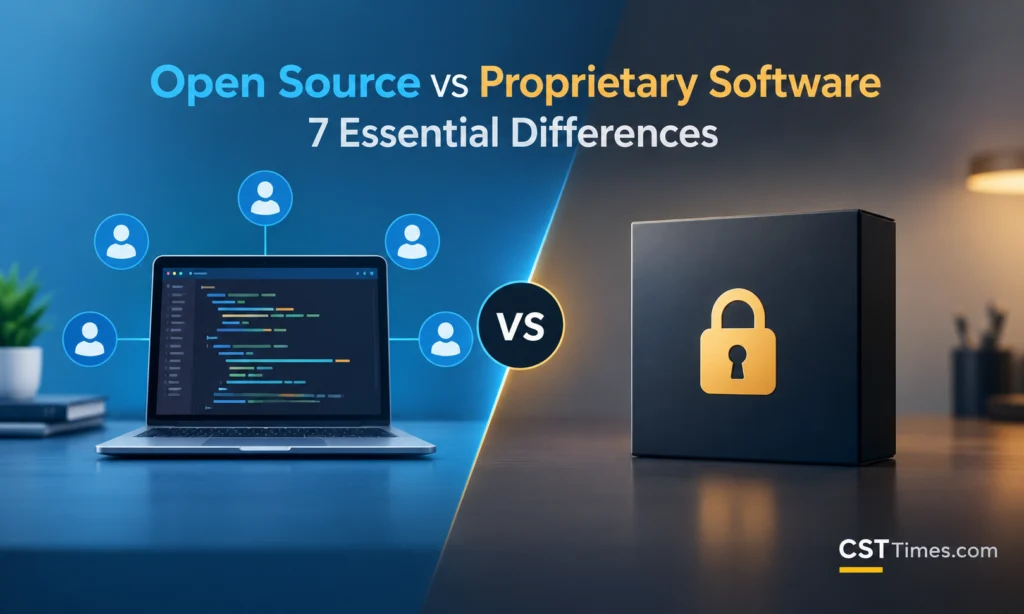
Open source vs proprietary software is the choice between programs whose code anyone can inspect and change, and programs whose code the owner keeps private. That difference decides who controls the software, who can fix it, and what you really pay over time. This guide explains how each model works, where each one wins, and how to choose between them.
Table of Contents
ToggleKey Takeaways
- Open-source software lets anyone view, modify and share the code under an approved license. Proprietary software keeps the code private.
- “Free” rarely means zero cost. Open source saves on license fees but can add staff, hosting and support costs.
- Neither model is automatically more secure. Open code can be audited by anyone, while closed code depends on the vendor’s own security work.
- Most modern products mix both. Black Duck found open-source components in 98% of the commercial codebases it audited.
- Choose by control, skills, support needs and legal risk, not by price alone.
What is Open-Source Software?
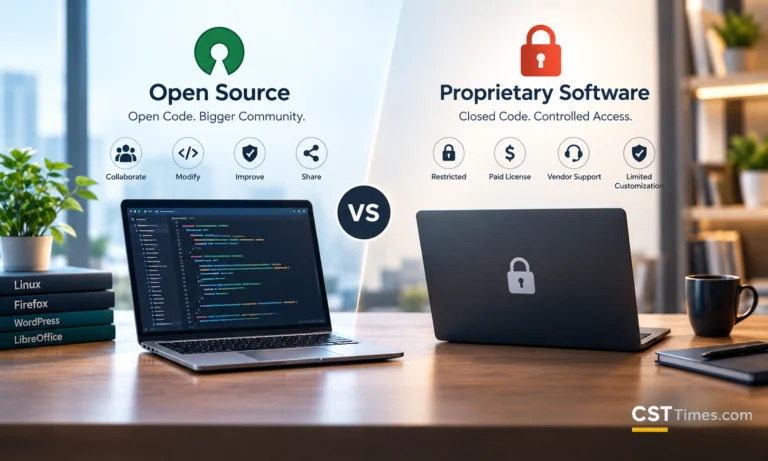
Open-source software is software released under a license that lets anyone use, study, modify and share its source code. The Open Source Initiative (OSI) sets the standard with ten criteria and stresses that open source means more than simply being able to read the code. Linux, Firefox, LibreOffice and WordPress are well-known examples.
The criteria include free redistribution, source code access and permission to create derived works. Software that only lets you read the code, often called “source-available,” does not qualify.
What is Proprietary Software?
Proprietary software is software whose owner keeps the source code private and controls its use through a license agreement. You usually get the right to run the program, but not to change or redistribute it. Windows, Microsoft Office and Adobe Photoshop are common examples.
Proprietary does not always mean paid. What defines it is control: the vendor decides the price, the support terms and when old versions stop receiving updates.
Open Source vs Proprietary Software: Side-by-Side Comparison
The main difference between open source and proprietary software is control. With open source, users can inspect and change the code. With proprietary software, the vendor keeps that power. This single difference shapes cost, security, support, customization and long-term risk, as the table below shows.
| Factor | Open source | Proprietary |
|---|---|---|
| Source code | Public and modifiable under the license | Private; only the vendor can see it |
| License cost | Often free to obtain | Usually paid, as a one-time fee or subscription |
| Customization | High: you can change the code or hire someone to | Limited to settings, plugins or vendor-approved options |
| Support | Community help, or paid support from vendors and consultants | Vendor support, often under a contract |
| Security review | Anyone can audit; quality depends on active maintainers | The vendor controls reviews; customers cannot inspect the code |
| Updates and lifecycle | Maintainers decide, and you can fork or maintain it yourself | The vendor decides when support ends |
| Typical risks | Maintainer burnout, unclear support, license compliance | Vendor lock-in, price changes, discontinued products |
Cost: Free to License Is Not Free to Run
Open-source software usually costs nothing to download, but it is not free to run. Teams still pay for staff time, hosting, security work and often paid support. Proprietary software charges for licenses or subscriptions, yet that fee usually includes updates, documentation and vendor support.
A Harvard Business School working paper estimated that companies would need to spend about 3.5 times more on software without open source, valuing widely used open source at $8.8 trillion. Those are modelled estimates, not audited spending.
For a small team, the better question is total cost of ownership: fees, setup, training, maintenance, support and the cost of switching later. Open source can be cheaper overall, or more expensive if nobody can maintain it.
Security: Transparency Is Not the Same as Safety
In the open source vs proprietary software security debate, neither model is automatically safer. Open-source code can be reviewed by anyone, which helps, but being open to review does not mean it is actually reviewed. Proprietary code is tested by the vendor, but customers must trust that work because they cannot inspect the code themselves.
Open source has had serious scares. In March 2024, a backdoor tracked as CVE-2024-3094 was found in versions 5.6.0 and 5.6.1 of XZ Utils, a compression library used in Linux systems. It scored the maximum severity rating of 10.0, and CISA urged users to downgrade.
Closed code has failed too. In 2020, attackers compromised the build system for SolarWinds’ Orion software and pushed tainted updates to customers. SolarWinds said as many as 18,000 customers may have been affected.
Scale matters as well. Black Duck’s 2026 OSSRA report found open-source components in 98% of 947 audited commercial codebases, averaging 581 known vulnerabilities each. That is up 107% in a year, partly because codebases now hold about 30% more components. It shows how much open-source code modern software contains, not that open source is less safe.
Support, Updates and Vendor Control
Proprietary software usually comes with a vendor that is contractually responsible for support and updates. Open-source software offers community help and the freedom to maintain it yourself, but support depends on the project. In both models, you rely on someone else’s decisions about how long software stays supported.
Vendor control cuts both ways. Microsoft ended regular Windows 10 support on October 14, 2025, and offered a paid Extended Security Updates program for people who kept using it.
Open source gives you more exits, but no guarantee. If maintainers walk away, you can fork the code, yet someone still has to do the work. Licenses can also change. Redis moved in March 2024 to a license the OSI does not recognize as open source, then added the OSI-approved AGPL as an option with Redis 8 in May 2025. Check a project’s license and governance, not only its features.
Licensing and Legal Basics
Open-source licenses fall into two broad groups. Permissive licenses, such as MIT and Apache 2.0, allow almost any reuse, including inside closed products. Copyleft licenses, such as the GPL, require software you distribute that builds on the code to stay open, as this GPL vs MIT explainer shows.
With the GPL, the sharing duty starts when you distribute software to others, not when you use it internally. The AGPL treats network services differently, so always read the terms. Proprietary licenses usually forbid copying, sharing or modifying the software.
Compliance is a real concern: Black Duck found license conflicts in about two-thirds of audited codebases, its highest rate yet.
Regulation is catching up too. Under the EU Cyber Resilience Act, vulnerability and incident reporting began on 11 September 2026, with the main obligations applying from 11 December 2027. Non-commercial open source stays outside the Act, but paid support or a paid enterprise version can make a company a “manufacturer” with full duties.
How to Choose: A Quick Checklist
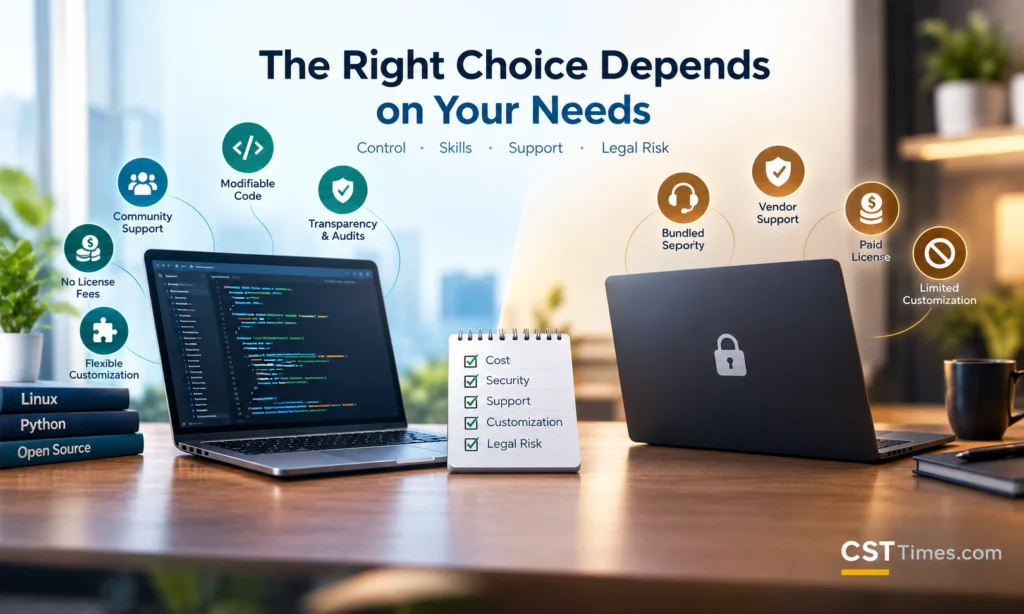
When weighing open source vs proprietary software, pick open source if you need control and flexibility and have the skills to maintain it. Pick proprietary software if you need guaranteed vendor support, a ready-made experience or contractual accountability. Many organizations use both, so decide tool by tool using the checklist below.
- Control: Need to modify the software or avoid one vendor? Open source fits better.
- Skills: Do you have staff or a partner who can maintain and secure it? If not, vendor-supported software may be safer.
- Support: Need a contract with response times? Look at proprietary options or paid open-source support.
- Compliance: Do you sell software or work in a regulated industry? Check license terms and rules first.
- Exit plan: Can you export your data and leave later? Ask this for both models.
- Health check: For open source, check recent updates, active maintainers and the license. For proprietary, check the vendor’s support dates.
Final Thoughts:
The open source vs proprietary software debate has no universal winner. It is a trade between control and convenience, and between flexibility and guaranteed support. Match each tool to your skills, risk level and budget, then review the software you already rely on to see which parts are open, which are closed, and who updates each one.
FAQs
What is the main difference between open source vs proprietary software?
The main difference is access and control. Open-source software publishes its source code under a license that lets anyone study, modify and share it. Proprietary software keeps the code private, and the owner decides how it can be used, changed and supported.
Is open source more secure than proprietary software?
Not automatically. Open code can be reviewed by anyone, which can help find flaws early, but only if people actually review it and maintainers act on reports. Proprietary software depends on the vendor’s own testing. In both cases, timely updates and active maintenance matter most.
Can companies use open-source software in commercial products?
Yes, if they follow the license. Permissive licenses such as MIT and Apache 2.0 mostly require keeping notices. Copyleft licenses such as the GPL require you to share source code under the same terms when you distribute software built on them.
What is the biggest risk of proprietary software?
Vendor dependence. The vendor controls pricing, features and support dates, so you can face price rises, forced upgrades or discontinued products. Moving away can also be hard if your data sits in a closed format. Ask about data export and support timelines before you buy.
