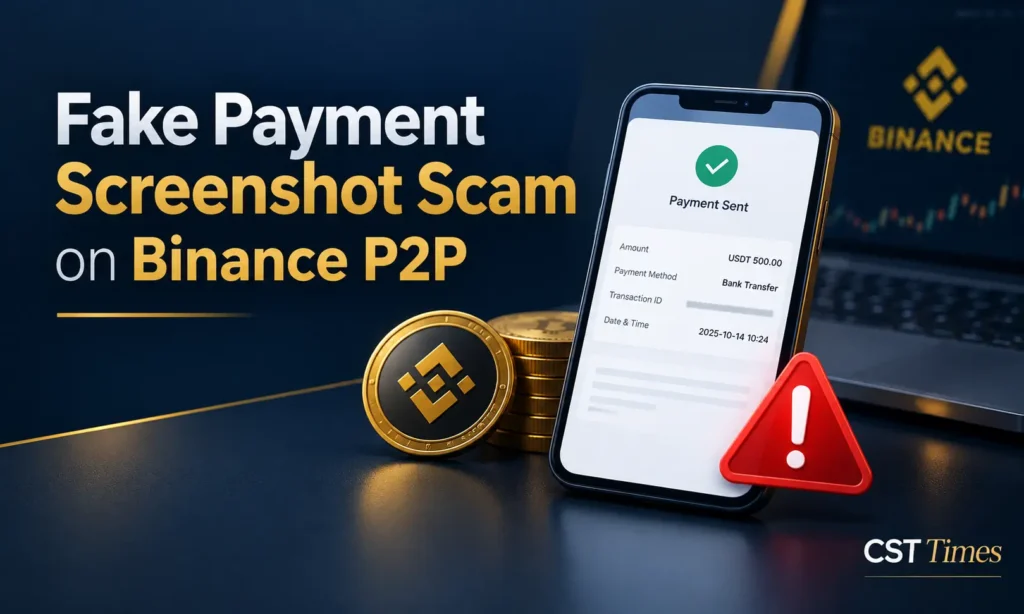
Fake Payment Screenshot Scam on Binance P2P: How to Spot and Avoid It
Quick Summary:
The fake payment screenshot scam is a fraud in which a buyer sends an edited receipt to convince a crypto seller that money has been paid, when nothing was sent. It happens on peer-to-peer (P2P) marketplaces such as Binance P2P, where people trade crypto directly with each other. This guide explains how the scam works, how to verify a payment properly, and what to do if the money never arrives.
Table of Contents
ToggleKey Takeaways
- A screenshot is not a payment. Only money visible in your own bank or wallet counts.
- The “paid” button on Binance P2P is something the buyer clicks, so it proves nothing by itself.
- Pressure to release quickly is a warning sign, not a reason to hurry.
- If the money has not arrived, do not release the crypto. Open an appeal in the Binance app.
- Under Binance’s appeal rules, a seller who releases without confirming payment carries the loss.
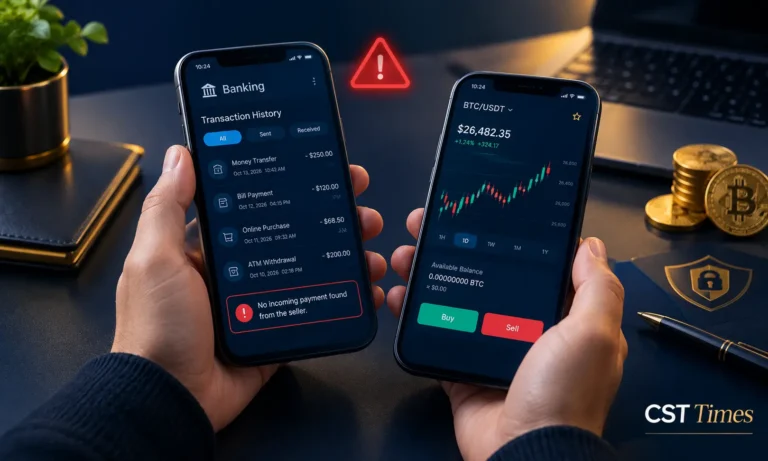
What is the Fake Payment Screenshot Scam on Binance P2P?
It is a fraud aimed at crypto sellers. A buyer places an order, clicks “paid” without sending money, then shares a doctored receipt and pressures the seller to release the crypto. Once the seller releases it, the crypto is gone and no money arrives.
Binance Academy explains that a reputable P2P platform holds the seller’s crypto in escrow until payment is confirmed. That makes the seller’s own check the last line of defense. Binance describes the scam as a counterparty sending a fake receipt and pushing you to release before you have confirmed the money in your account. Its appeal rules also cover buyers who click “Mark as Paid” without paying.
How the Scam Works
A typical fake payment screenshot scam relies on speed and a convincing image. The buyer places an order, marks it paid almost at once, and posts “proof” designed to make you skip the check. The pressure to hurry is the real weapon, and it shows up in several variations.
A short example. You sell 200 USDT. Within a minute the buyer marks the order paid and posts a receipt for the right amount. Your bank app shows nothing. The buyer says the bank is slow and asks you to hurry. The correct move is to wait, not release, and appeal if the money does not appear.
Common variations include:
- Edited receipts and forged alerts. Scammers may digitally edit receipts or forge SMS notifications to make a payment look real.
- Triangle scams. In one version Binance describes, colluding scammers reuse a real buyer’s payment proof on a second order, leaving the genuine buyer without crypto or a refund. Another version uses simultaneous orders so a partial payment looks like a full one.
- Reversible and third-party payments. Some payment methods let the payer reverse a transaction after it completes. If the payer’s name does not match the verified Binance name, the crypto is not released and the seller is asked to refund.
- Fake support calls. Scammers pose as Binance staff. Binance says customer service never contacts you on your personal phone number about an ongoing order.
Why You Should Never Trust a Screenshot
A fake payment screenshot scam works because an image shows only what someone wants you to see. Your account shows what actually arrived. Binance Academy’s guidance is to avoid releasing crypto on a receipt, screenshot, or SMS notification alone. Treat every image as unverified.
Binance’s own blog lists visual tells such as mismatched fonts and overlapping text. These can help, but treat them as a bonus check only. A clean-looking receipt still proves nothing, and the triangle scam shows that even a genuine screenshot can be reused by the wrong person.
How to Verify a Payment Step by Step
Open your own bank or payment app, find the incoming credit, and match the amount and sender name. Only then press release in Binance. Do this every time, however urgent the buyer sounds or however good their rating looks. A real payment will still be there after you check.
- Ignore the pressure. A rushed buyer is a red flag, so take the time you need.
- Open your bank or payment app yourself. Do not use links sent by email, text, or chat.
- Find the exact credit. Look for the full order amount, not a partial one.
- Match the sender’s name to the verified name on the buyer’s Binance profile.
- Confirm the funds are available. Treat “pending” or “processing” as not received.
- Release only inside the Binance app, and keep every message in the Binance chat.
Red Flags and Safe Selling Habits
The clearest warning sign is pressure. Honest buyers can wait while a bank transfer clears, but scammers need you to act before you can check. Together, the signs below should make you stop and verify everything again. Binance Academy lists these buyer warning signs:
- Pushes you to release before payment is confirmed
- Asks for unnecessary personal information
- Goes silent after marking the order as paid
- Pays an amount that does not match the order
- Asks you to talk outside the platform
- Wants to pay from a third-party account
Habits that lower your risk:
- Check the counterparty’s completion rate, total trades, and reviews before accepting an order.
- State “no third-party payments” in your ad terms, and prefer payment methods that do not allow chargebacks.
- Turn on two-factor authentication, and save screenshots of chats and transactions in case you need to appeal.
- Block and report users who cause problems.
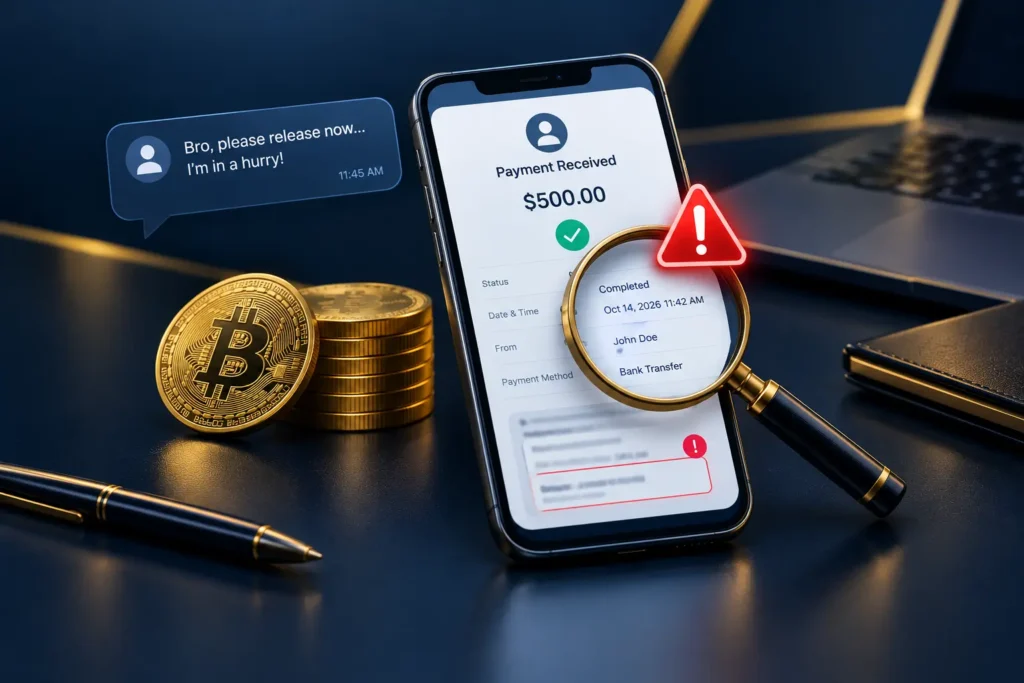
What to Do If the Payment Does Not Arrive
If you suspect a fake payment screenshot scam, do not release the crypto. Open an appeal from the payment confirmation page, say the money has not arrived, and attach your bank record. Keep the buyer’s messages as evidence. Binance’s customer service team then reviews the case.
According to Binance’s appeal guide, a seller follows these steps:
- Tap Help on the payment confirmation page, then Appeal.
- Select your issue, choose a reason, describe what happened, and add screenshots.
- The other party gets 10 minutes to reply. If they do not, the appeal moves to customer service review.
What happens next depends on the facts. Under Binance’s appeal rules (last updated October 15, 2024, and applying to non-CNY trades only), support cancels the order if the buyer did not pay, cannot show proof, or cannot be reached. Repeated cases can lead to account restrictions.
If a buyer did pay by a slower method, support can ask the seller to release within two working days. A seller who never reports a missing payment is treated as having received it, so report promptly instead of ignoring the order.
What If You Already Released the Crypto?
Act fast, but stay realistic. Binance’s rules say a seller who releases without confirming payment takes full responsibility, and Binance cannot guarantee the funds will be recovered. Reporting quickly keeps your evidence fresh and your options open, so work through the steps below right away.
- Contact Binance support with the order ID, and use the in-chat Report option.
- Save the chat, the receipt, and your bank statement.
- Consider reporting the case to law enforcement, which Binance’s rules mention as an option.
- Be wary of strangers who offer to “recover” your funds for a fee.
Final Thoughts:
The fake payment screenshot scam works because it targets urgency, not technology. The fix is one habit: release crypto only after your own bank or wallet shows the full amount from the right name. If anything feels off, pause and appeal instead of negotiating under pressure.
Author Note:
Haseeb Jabbar has been using Binance as a spot trader for the past six years, and during all these years, he has never experienced a single scam. Here is the reason:
1. When buying USDT through P2P
Whenever I buy USDT from any P2P trader, the first thing I check is their order history: how many trades they have completed and how long they have been trading on the platform. These are important things to check when using P2P.
Second, I check their requirements. First of all, a legitimate P2P trader will always ask you for a screenshot, and the name on their Binance account and wallet will be the same. Most importantly, the name on your payment wallet, from which you send the payment, should be the same as the name on your Binance account. This is important because if any issue occurs and you file a scam appeal with Binance, Binance may ask you for screenshots and will first check the names.
2. When selling USDT
When you want to sell your USDT, you generally do not face this scam issue because the other person will send the payment first, and you will release the USDT only after that.
FAQs
Can a fake payment screenshot scam look convincing?
Yes. Receipts can be edited quickly, and Binance Academy warns that SMS alerts can be forged too. Visual tells such as mismatched fonts help, but a clean image proves nothing. The only reliable check is the money showing in your own account.
Should I release crypto if the buyer says the bank is slow?
No. Wait until the funds show in your account. If a slow payment method is involved and nothing appears, report it through an appeal. Binance’s rules let support step in, and sellers who stay silent are treated as having received the payment.
Will Binance refund me if I released crypto after a fake receipt?
Not necessarily. The appeal rules say the seller bears responsibility for releasing without confirming payment, and recovery is not guaranteed. Binance also states it is not liable for that loss. Report the case to support immediately with your evidence, and consider contacting law enforcement.
Can buyers be scammed on Binance P2P too?
Yes. In the “paid but canceled” scam, a seller convinces a buyer to cancel after payment and promises a refund that never arrives. Binance advises never canceling before the refund arrives and appealing if anything looks suspicious. Buyers should also never share payment proof outside Binance.
Disclaimer
This article is for educational and informational purposes only and is not financial, investment, or legal advice. Crypto assets are volatile, and you can lose some or all of your money. Always do your own research.
Follow us on Social media :
About The Author

Haseeb Jabbar
Haseeb Jabbar writes about crypto, finance, technology, and AI at CST Times, sharing research-based guides, timely news, and free tools and calculators to help readers make informed decisions.

Pingback: Crypto Transaction Pending? 7 Easy, Safe Steps to Fix It