
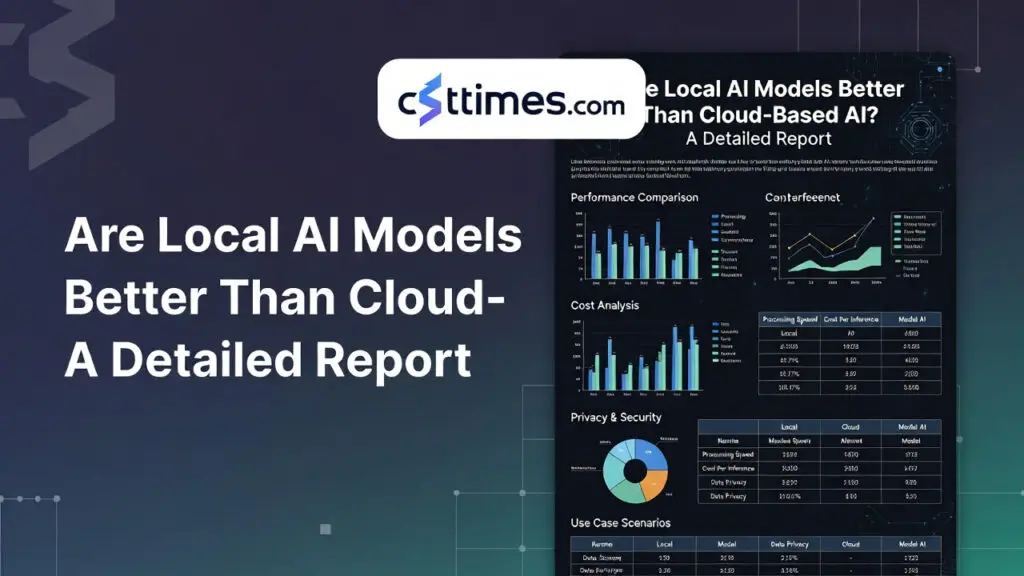
Are Local AI Models Better Than Cloud-Based AI? A Detailed Report
Introduction :
Artificial Intelligence (AI) has become a core part of modern technology. It powers tools for writing, coding, automation, customer service, and business analytics. Today, AI systems are mainly used in two ways: local AI models and cloud-based AI services.
Table of Contents
ToggleLocal AI models run directly on a user’s computer, smartphone, or private server. Cloud-based AI runs on powerful remote servers managed by technology companies and accessed through the internet.
With improvements in hardware and open-source AI models in 2025–2026, many people are asking an important question:
Are local AI models better than cloud-based AI?
The answer depends on factors such as privacy, performance, cost, scalability, and ease of use. This report explains the differences in simple terms to help readers understand which option may be best for their needs.
What Are Local AI Models?
Local AI models are artificial intelligence systems that run directly on a user’s device instead of relying on remote servers.
These models process data locally on the device’s hardware, such as a laptop GPU, smartphone chip, or on-premise server.
Examples of local AI tools include:
Running Meta’s Llama models
Running Mistral AI models
Using software such as Ollama, LM Studio, or llama.cpp
With these tools, users can download AI models and run them entirely offline.
Key Characteristics of Local AI
Runs directly on personal hardware
Works without internet connection
Full control over data and AI system
Often uses open-source models
One of the biggest advantages is data privacy, because sensitive information never leaves the device.
What Is Cloud-Based AI?
Cloud-based AI refers to AI services hosted on large remote data centers operated by technology companies. Users interact with these models through web applications or APIs over the internet.
Examples of cloud AI platforms include:
Claude
These systems run on powerful infrastructure containing thousands of GPUs, which allows them to support extremely large AI models.
Key Characteristics of Cloud AI
Runs on remote servers
Accessible from any internet-connected device
Managed and updated by providers
Provides access to large advanced models
Cloud infrastructure allows companies to deploy models with hundreds of billions of parameters, delivering strong reasoning and language capabilities.
Advantages of Local AI Models
1. Strong Privacy and Data Security
Local AI processes data directly on the user’s device. Documents, code, and personal information remain inside the system.
This is especially important for industries such as:
Healthcare
Finance
Legal services
Government organizations
Local processing helps organizations comply with privacy regulations such as GDPR and HIPAA.
2. Works Without Internet
Local AI can function completely offline. This makes it useful in situations where internet access is limited or unreliable.
Examples include:
Remote locations
Secure internal networks
Travel environments
Users can continue working even when cloud services are unavailable.
3. Lower Long-Term Costs
Running AI locally usually requires a one-time hardware investment rather than monthly subscription fees.
After purchasing the hardware, the main ongoing costs are electricity and occasional upgrades.
For heavy AI users such as developers or content creators, this can significantly reduce long-term expenses.
4. Full Customization and Control
Local AI systems allow users to:
Modify model settings
Fine-tune models on private datasets
Customize workflows and prompts
This flexibility is valuable for researchers, developers, and companies building specialized AI tools.
Disadvantages of Local AI Model
1. High Hardware Requirements
Running advanced AI models requires powerful hardware, including:
High-performance GPUs
Large amounts of RAM
Fast storage
Some models require 24GB or more of GPU memory, which many consumer computers do not have.
2. Complex Setup
Installing and managing local AI systems can require technical knowledge, including:
Downloading models
Configuring software
Optimizing hardware performance
This process may be challenging for beginners.
3. Limited Model Size
The most powerful AI models are typically hosted in cloud data centers because they require enormous computing resources.
Consumer devices may struggle to run the largest models efficiently.
Advantages of Cloud AI
1. Access to Powerful Models
Cloud AI platforms provide access to some of the most advanced AI models available.
These models benefit from massive computational resources and are capable of:
Complex reasoning
High-quality writing
Advanced coding assistance
2. Easy to Use
Cloud AI services require no installation or hardware setup.
Users simply create an account and start using the AI through a web browser or application.
This makes cloud AI accessible to both beginners and businesses.
3. Scalability
Cloud platforms can easily handle large workloads. Companies can increase or decrease their AI usage without purchasing new hardware.
This flexibility is one of the main reasons many businesses rely on cloud AI.
4. Continuous Updates
Cloud AI systems are regularly updated with:
New features
Improved models
Security updates
Users automatically receive improvements without needing to manage software themselves.
Disadvantages of Cloud AI
1. Privacy Concerns
Cloud AI requires sending data to external servers. Even with security protections, some users may worry about how their data is stored or processed.
This can be a concern for organizations handling sensitive information.
2. Subscription and Usage Costs
Most cloud AI services charge monthly subscription fees or usage-based pricing.
Over time, these costs can become expensive for businesses or high-volume users.
3. Internet Dependency
Cloud AI requires a stable internet connection. If the connection fails, the AI service cannot be used.
Local AI vs Cloud AI: Key Differences
Factor | Local AI | Cloud AI |
|---|---|---|
| Privacy | Very high | Moderate |
| Performance | Moderate to high | Very high |
| Setup | Complex | Easy |
| Cost | Hardware investment | Subscription or usage fees |
| Internet Requirement | Not required | Required |
| Scalability | Limited | Highly scalable |
Cloud AI usually provides stronger performance, while local AI offers better privacy and control.
When Should You Use Local AI?
Local AI is the better choice when:
Data privacy is critical
Internet access is unreliable
You need full control over the system
You perform large volumes of AI tasks
Developers, researchers, and organizations working with confidential data often prefer local AI systems.
When Should You Use Cloud AI?
Cloud AI is ideal when:
You need the most advanced models
You want an easy setup
Your workload requires large computing power
You need to scale AI usage quickly
For many businesses and everyday users, cloud AI provides the best balance of power and convenience.
The Future of AI: Hybrid Systems
Many experts believe the future of AI will combine both technologies in a hybrid approach.
In a hybrid system:
Sensitive data is processed locally
Complex tasks are handled by cloud models
This strategy allows users to benefit from both privacy and powerful AI capabilities.
Conclusion
Local AI models are not necessarily better than cloud-based AI. Each approach has its own strengths.
Local AI offers:
Strong privacy
Offline capability
Lower long-term costs
Full control over the system
Cloud AI provides:
Access to powerful models
Easy setup
Scalability
Continuous improvements
For many users and organizations, the most practical solution is a hybrid approach that combines local processing with cloud intelligence.
As AI technology continues to evolve, improvements in hardware and open-source models will likely make local AI more accessible, while cloud platforms will continue delivering powerful capabilities at global scale.
About The Author

Haseeb Jabbar
Haseeb Jabbar writes about crypto, finance, technology, and AI at CST Times, sharing research-based guides, timely news, and free tools and calculators to help readers make informed decisions.
